 Ravensight
SEE WHAT YOU HAVE
Counts and freshness for everything.
Each kind of data gets one row: how many records your studio holds, when something was last added, how long it is kept and a link to the page that holds it.
STUDIO DATA
Sales, players, playtests and posts, counted and dated, for your studio only. See what you have, how fresh it is and how long it is kept.
Illustrative counts from the demo studio. Studio data shows counts and dates, never the records themselves.
KNOW WHAT YOU ALREADY HAVE
SEE WHAT YOU HAVE
Each kind of data gets one row: how many records your studio holds, when something was last added, how long it is kept and a link to the page that holds it.
CATCH WHAT WENT STALE
Needs attention lists any connection with repeated failed syncs or a key to re-enter, and any game whose oldest events reach its retention limit within 30 days. Each one links to the place that fixes it.
POINT YOUR AGENT AT IT
Over MCP, describe_studio_data tells your agent what your studio actually holds, so its next reads go to data that is there.
INSIDE STUDIO DATA
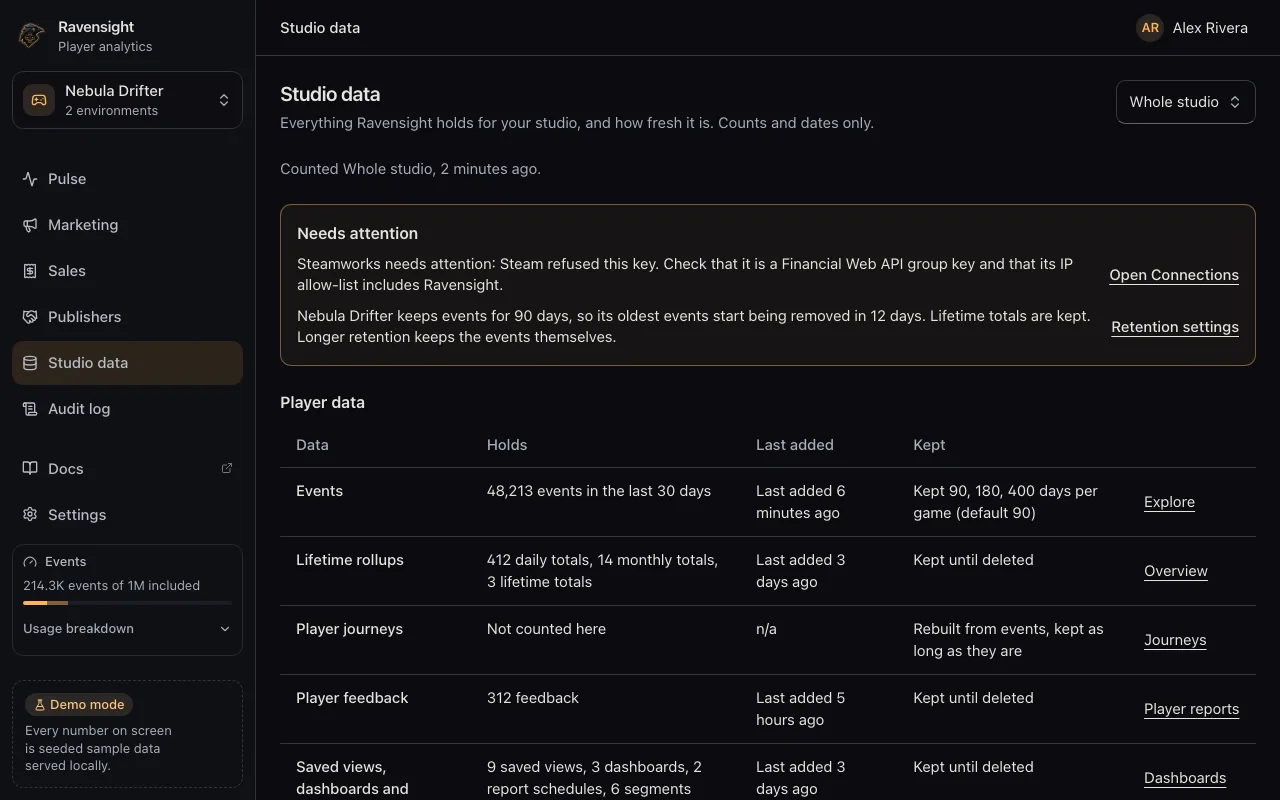
Rows grouped into player data, commercial, development, studio memory and operations. Each says what it holds, when it last changed and how long it stays.
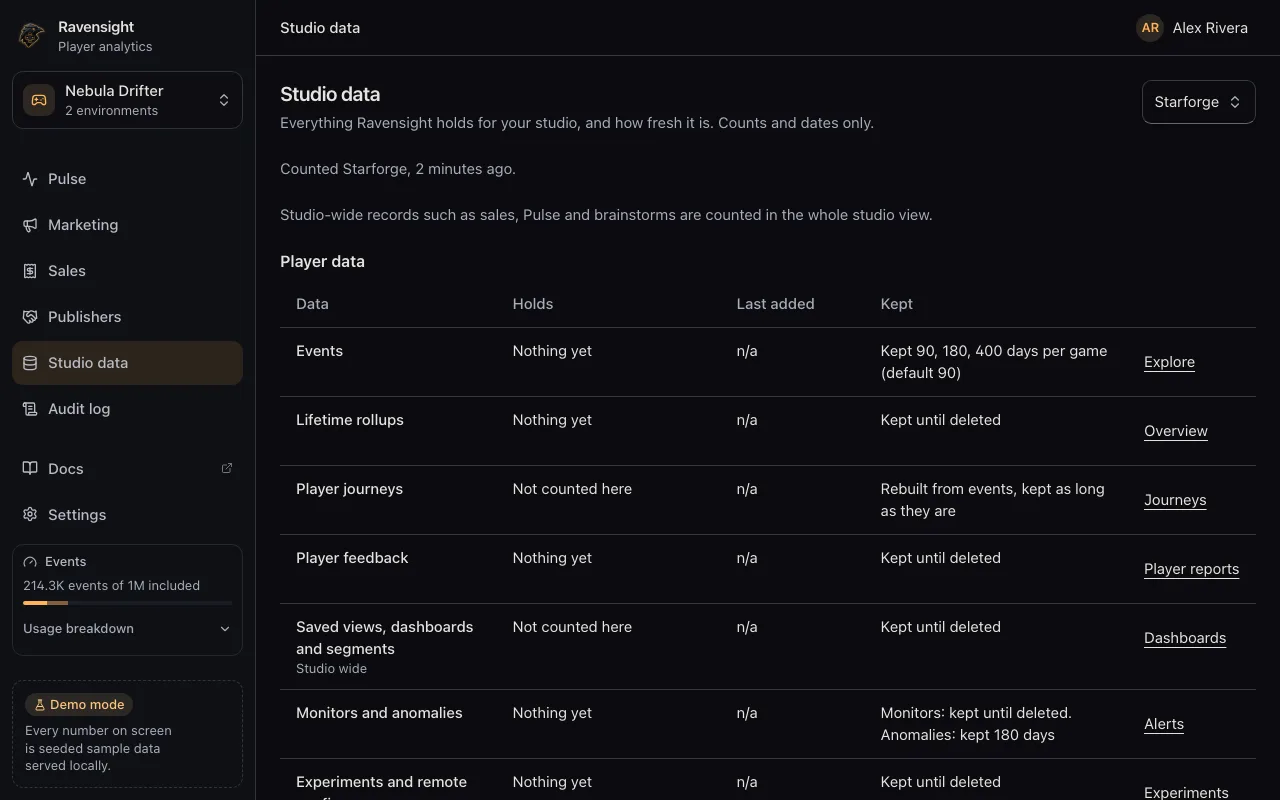
Choose one project and the rows narrow to its games. A row with nothing in it reads Nothing yet, and studio wide records are left for the whole studio view instead of guessed.
Ravensight dashboard views with demonstration data. Select a screenshot to enlarge it.
NOTHING TO CONFIGURE
Send events from an SDK, import sales, run a playtest or record a post. Studio data counts whatever your studio already has.
In the dashboard, open Studio, then Studio data. Pick the whole studio or one project.
Connect the Ravensight MCP server and ask your agent to call describe_studio_data. It returns the same counts and dates as the page.
WHAT IT READS, AND WHAT IT DOES NOT
Every count goes through the same membership checks as the rest of your studio. An MCP token limited to some projects is refused, because Studio data reads the whole studio.
No event properties, sale amounts, post text or document bodies. Just how many records, and when the newest was added.
Studio data reads what Ravensight already holds for you. It does not move, copy or send your data anywhere new.
THE PRACTICAL DETAILS
The Studio data page in the dashboard is included, with no charge. Over MCP, describe_studio_data is one metered read: 100,000 weighted events on the shared event meter, drawn from the included monthly events first. MCP reads need a studio that has funded a prepaid balance at least once, and a refused call is not charged. See what it costs.
No. Studio data is shown only to members of your studio, through the same membership checks as every other studio page. A publisher you record in Ravensight has no sign-in, and a publisher report holds only what you download and send yourself.
There is no timer on that data. Ravensight does not remove it on a schedule; it stays until someone in your studio deletes it, directly or by deleting what it belongs to.
Raw events are kept 90 days by default, or 180 or 400 days when a game is set to keep them longer. Daily, monthly and lifetime totals are kept until deleted. Anomalies and export deliveries are kept 180 days, connection sync history 90 days, and studio memory keeps the newest 200 facts per game, with confirmed facts and patterns always kept. Blocked addresses and traffic records each carry their own expiry. Studio data shows the rule beside every row.
It reads counts and dates only: how many records of each kind, and when the newest was added. It never returns event properties, sale amounts, post text or document bodies.
YOUR STUDIO. ALL OF IT.
Every kind of data your studio holds, counted and dated, on one page.
Account creation is free · The Studio data page is included