Ravensight

Skill Activity · A standalone Mac app

Your agents are busy.
See what they’re doing.

Follow skill invocations, sessions and reported results across your local projects. Know which skill ran, what it reported and where to look next.

Start locally without a login. Choose what to collect, review hooks before installing them, and share cloud history only when you decide.

Inside Skill Activity

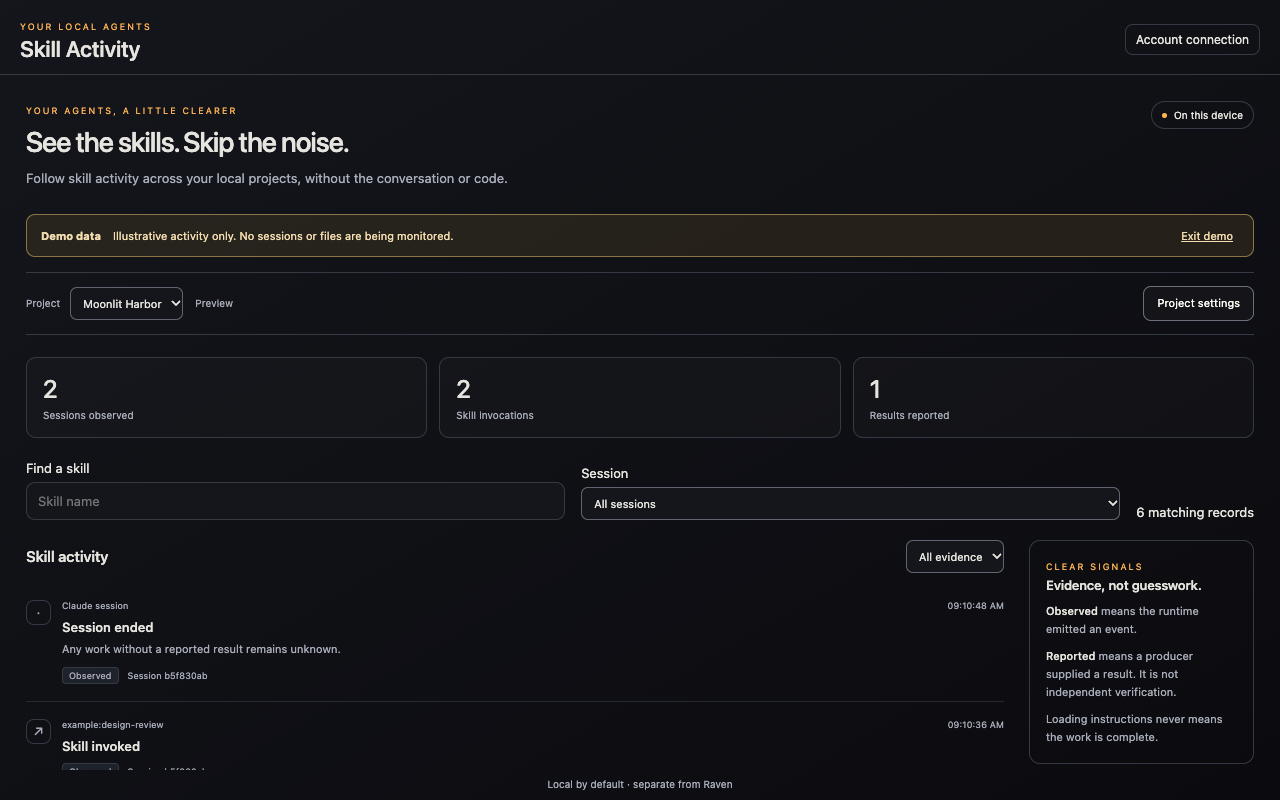
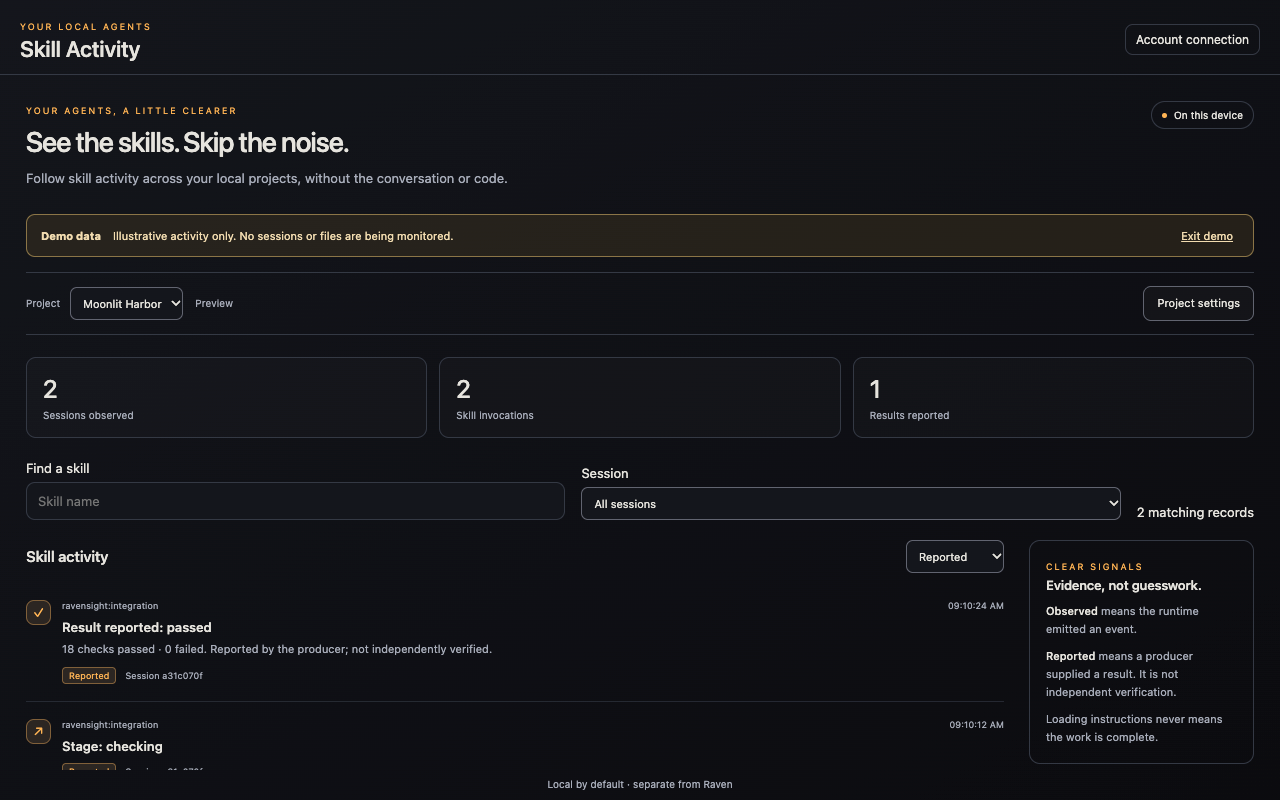
From an invocation to a reported result.

A clear view of the skills running in your local projects. Follow invocations, find a session, and read the results your agent reports without digging through a conversation transcript.

Download

A workspace of its own.

Skill Activity runs independently of Raven, the desktop pets and their chat. Install either app or both; each has its own settings, account connection and lifecycle.

Apple Silicon · 0.1.0-rc.1

Skill Activity for macOS

Open the ZIP and drag Ravensight Skill Activity to Applications. Local monitoring is free and needs no account. Close the window to tuck it into the menu bar; reopen it there when you need it.

Ravensight-Skill-Activity-0.1.0-rc.1-macOS-arm64.zip

Download Mac release candidate

A separate app

Raven brings Huginn and Muninn to your desktop, with their own chat for questions about your studio. Skill Activity does not replace Raven.

Meet Raven

Before you install

This release candidate is for Apple Silicon Macs. Skill Activity has no Windows release yet. Check the file against its published SHA-256 checksum and keep your operating system’s security protections enabled.

Verify checksums

Local first

Your projects. Your call.

Choose a project, review the collection setup and pause it whenever you want. Prompts, source code and tool output stay out of the activity feed.

Evidence, clearly labelled

An observed invocation means a skill ran. A reported result means its producer supplied that outcome. Neither is presented as independent verification of the work.

Optional cloud history

Connect your Ravensight account and approve sharing for a chosen game. Each accepted activity record uses 1,000 events from your shared meter. Prepaid spending needs its own explicit consent and starts off.

A small, separate history

Cloud activity stays separate from player analytics. History is kept for seven days with bounded admissions. You can stop sharing without stopping your local workflow.

Skill Activity screenshot

Zoom in to read the details. Scroll or swipe to move around. Escape closes this view.