 Ravensight
FOLLOW THE EXPERIENCE
Your mechanics. Your events.
Track the moments that matter to your game, from a first jump to a completed run. Add properties so you can investigate what happened in context.
GODOT GAME ANALYTICS
That clever shortcut. The boss they keep retrying. The tutorial they never finish. Bring your Godot player data into focus, then decide what to build next.
Illustrative event flow. You choose what your game tracks.
BUILT AROUND THE GAME YOU ARE MAKING
FOLLOW THE EXPERIENCE
Track the moments that matter to your game, from a first jump to a completed run. Add properties so you can investigate what happened in context.
FIND THE FRICTION
Compare the steps players reach, explore where they stop, and use retention to see who returns. Keep the questions grounded in your own events.
ASK THE NEXT QUESTION
Ask questions about your game in plain language. Huginn runs read-only queries and returns an answer with the numbers behind it.
FROM EVENTS TO UNDERSTANDING
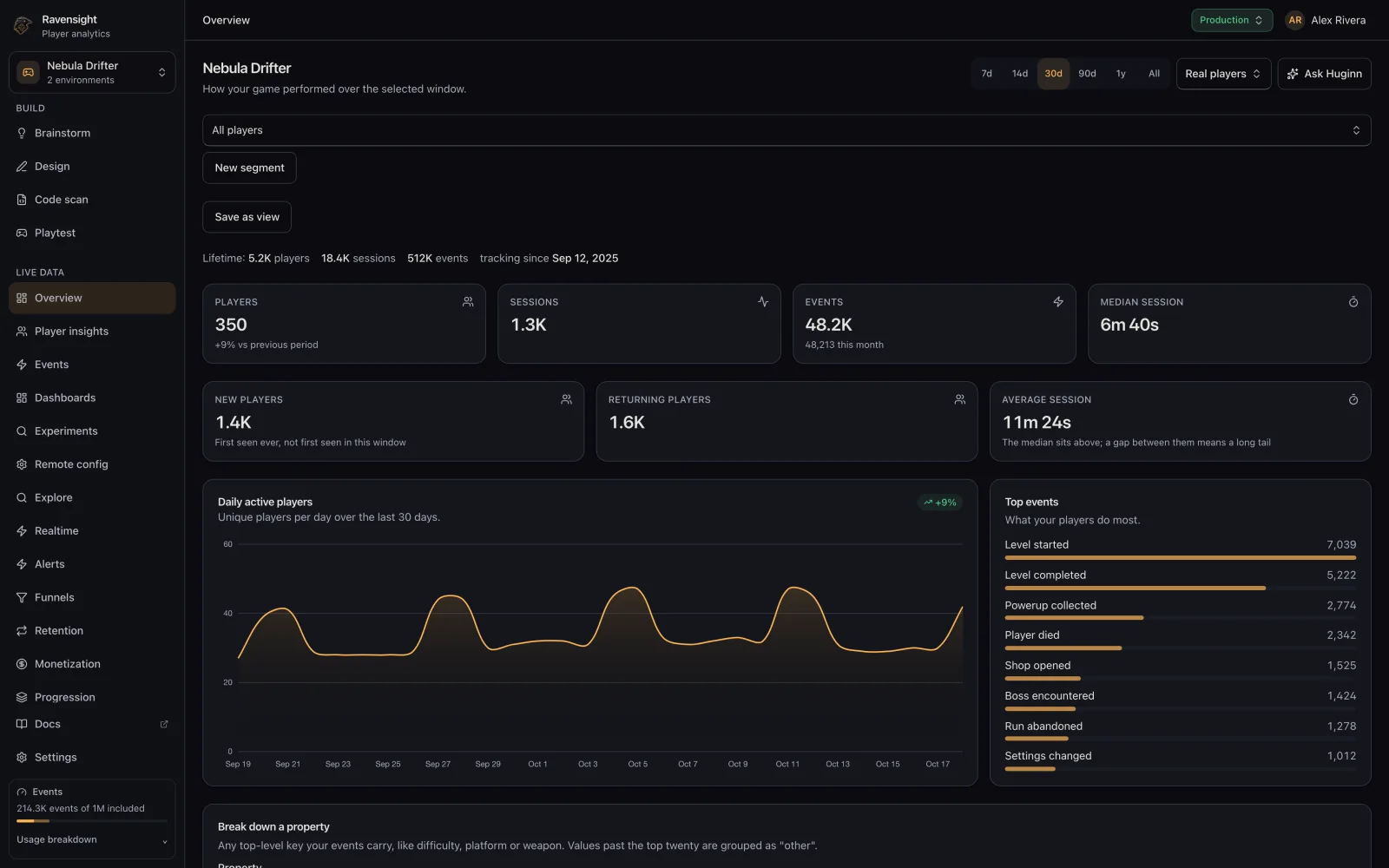
Your dashboard is a starting point. Explore individual players, compare event sequences, and bring the evidence back to your design decisions.
A SMALL START. A BETTER FEEDBACK LOOP.
Install the drop-in autoload script, configure your game key, and follow the integration guide.
Send events for your game’s mechanics and progression. Start with a small set you can explain.
Read the results, investigate with Huginn, and use what you learn to guide your next iteration.
THE PRACTICAL DETAILS
Ravensight provides a Godot SDK as a drop-in autoload script. Add it to your project, configure your game key, and follow the Godot setup guide for initialization and event tracking.
Your studio shares 1,000,000 included events and 10 AI units each month, with no card required. A player event counts as one event; other operations can use weighted events. Additional usage and paid tools have separate rates. See pricing and usage details.
Godot includes a game-viewport reporting overlay. Players can choose to submit a report with an image, and you can review it in Player Reports. Screenshot reports use weighted events. Read the Player Reports documentation for the consent and submission flow.
No. Start with player analytics and use the other tools when you need them. AI Playtest is an optional paid workflow, separate from the included analytics allowance.
YOUR GAME. YOUR NEXT CHAPTER.
Keep your creative instincts. Give them better evidence.
Start free with Ravensight1M included events · 10 shared AI units monthly · No card required