 Ravensight
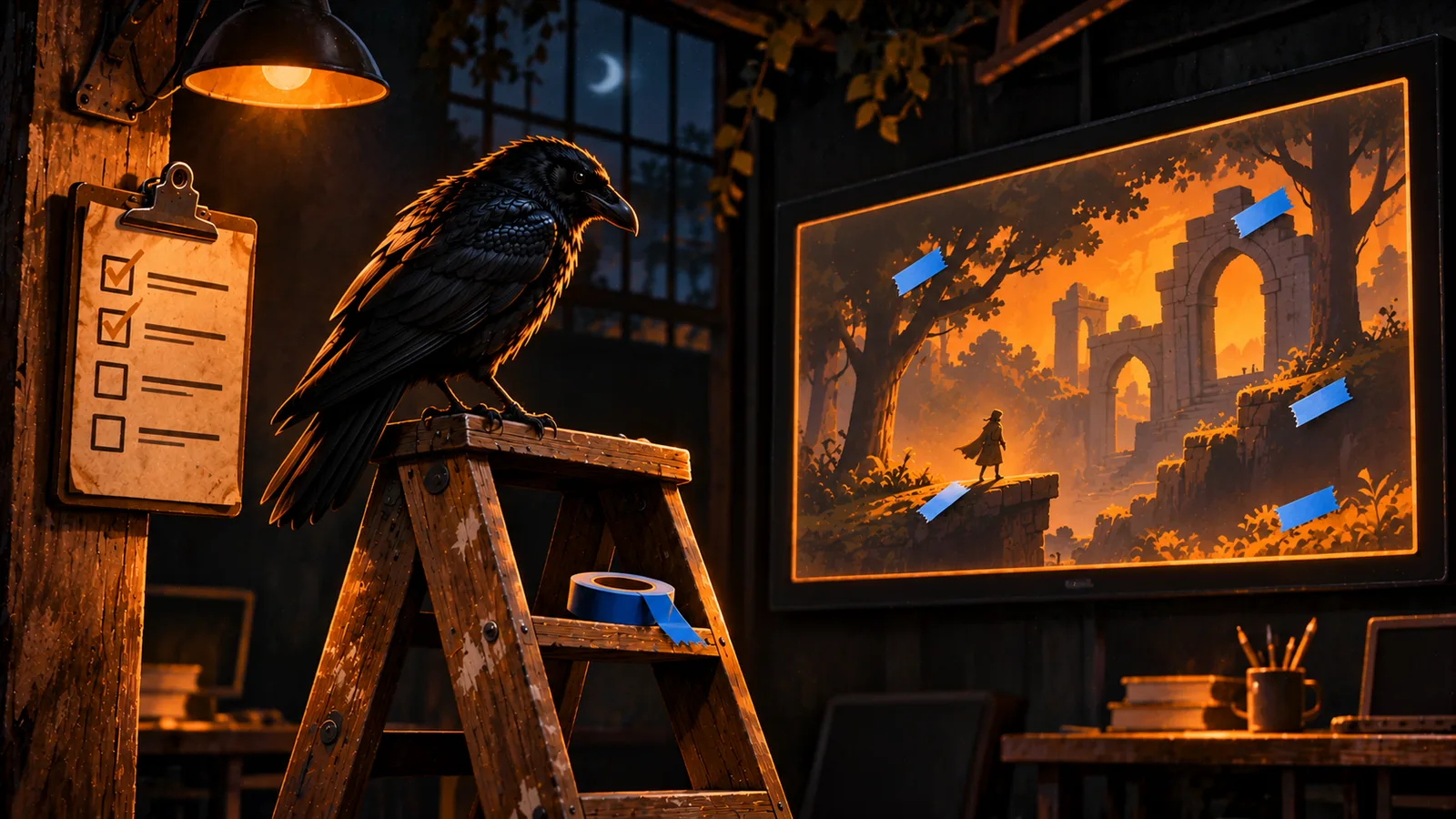
It's two weeks before a build goes out. The big systems work and the levels are in, but you can't ship it yet. The pause menu needs two clicks to close. A coin sound plays twice when you grab two coins in the same frame. The shop tooltip says the shield costs 40 and the shop takes 50. None of these is hard. There are just forty of them, they live in four different places, and you noticed a dozen more in the first week of the project that you've since forgotten about.
That last stretch is where I've lost the most time on my own games. The work is real, but you can't see it as a whole, so you can't tell how close you are.
Builders sorted this out a long time ago, with two habits I've borrowed for Ravensight Labs: the punch list and the roll of blue tape. This post covers both, plus the plain-words check that keeps the items readable, and a quick tour of Labs for anyone who hasn't opened it yet.
A quick tour of Labs
Labs1 is the part of Ravensight that changes your game's code. Every Labs tool runs on your own machine through the CLI, makes its change on a branch, and leaves the merge to you. The server never writes to your repository.
There are four tools, all for Godot 2D games, and only one of them is switched on today:
| Tool | Today | What it does |
|---|---|---|
| Fix my game | On, beta | Takes one playtest finding, plans a change, edits your code on a branch, and plays the game again to check the fix |
| Validate changes | Built, switched off | Runs AI personas on your branch and on your base, and compares the two |
| Build a feature | Built, switched off | Turns a short brief into a spec you approve, then builds it on a branch |
| Create a game | Built, switched off | Plans a small game in milestones and builds it from a brief |
Fix earned its switch. On my test set it fixed 27 of 30 real findings without breaking anything else. The other three stay off until they've done the same, and Create a game, which built a playable game in 1 of 10 tries, has a long way to go.
You turn Labs on per game, on the Labs page. Each run tells you its price before it starts and draws from your prepaid balance, and a fix that changes nothing is refunded.2
The Labs page itself had gotten long. You scrolled past the switch, four tool cards, the asset notes and two panels before you reached your specs. It's tabs now: Overview, Capabilities, Punch list, Blue tape, and Specs and plans. A Labs job page got the same treatment, with the fix, the validation, the outcome, the summary and the runs each on their own tab. The address keeps the tab, so you can send someone a link to exactly the part you mean.
The punch list
Before a building is handed over, the builder and the owner walk through it together and write down everything that isn't finished: a door that sticks, a missing switch plate, a scratch in the paint. That's the punch list. The builder works through it one item at a time, and nobody calls the job done until it's empty.
A game wants the same list, and the hard part is writing items you can actually close. "Fix the shop" never gets closed, because nobody can say when it's fixed. "Show the correct price on the shield in the shop" does. So a punch item in Labs is one task, in one place, with a test somebody can answer yes or no.
You can type items in yourself. You can also select Draft from findings, and Labs reads your open playtest findings, then proposes items in that shape. Once Build a feature and Validate changes are switched on, it reads approved spec criteria and failed validation checks too. It doesn't save any of them. You read the proposals and add the ones you agree with, or Add all if you trust it that day.
When an item came from a playtest finding, you can hand it straight to Fix:
npx ravensight-playtest fix li_9f2c...That's an ordinary Fix my game run at the ordinary price. When it finishes, the item links to the fix job, and it stays open until you close it. Labs never closes an item for you. Whether the work is done is your call, not the model's.
The list shows how many items are closed out of how many. That number is the most honest answer I've found to "are we ready to ship?"
The blue tape list
Rands has an essay called The Blue Tape List3 that I think about more than I expected to. When you move into a new house you notice everything that's slightly wrong, and you put a strip of blue painter's tape on each one. After a few weeks you stop seeing them. The tape remembers for you.
Playing your own game works the same way. The first time you play a new build, the faults jump out at you: a label overlapping its border, a transition that's half a second too slow, a key that isn't where your hand goes. By the third day they're just how the game is, and you'll never see them again. Your players will see every one of them in their first ten minutes.
So the blue tape list is built to be fast. There are three ways to put something on it. You can type a line on the Blue tape tab and press Enter, or run npx ravensight-playtest tape "the pause menu covers the timer" from your project folder, and nothing else is required. On a playtest finding, you can select Tape it, and the finding goes on the list with a link back to where it came from. Or you can run a playtest with the fresh-eyes persona, which plays like someone in their very first session and only reports small friction:
npx ravensight-playtest run --personas fresh-eyesEvery finding it files lands on your blue tape list, and it costs what any persona run costs.
Blue tape isn't a promise to fix anything. It's a record. When you decide an item matters, you promote it to the punch list, and it keeps its link to the finding. When you decide it doesn't, you drop it. Both are fine. The only mistake is forgetting you saw it.
Writing items somebody else can follow
A list item is an instruction, and the person reading it later might be a teammate, you in a month, or an agent running a fix at two in the morning. If the item is vague, the work is vague.
Aircraft maintenance manuals had this problem at a much higher cost, and the industry wrote a standard for it, ASD-STE100, Simplified Technical English.4 The core rules are simple. Keep sentences short, give one instruction per sentence, use the active voice, and pick common words that only mean one thing.
Labs checks every item against rules based on that standard, as you type, for free. Here's an item it flags:
The shop price should be updated and the shield icon should be fixed in order to match the store.
It tells you the sentence is probably passive and that "in order to" is just "to". It doesn't tell you this is really two jobs, because the two-instruction rule looks for commands and this sentence hides both of its jobs in the passive. The version I'd actually want on the list is two items, and the first one reads like this:
Show the correct price on the shield in the shop.
The check is a hint and never blocks you. It's also not a claim that your items conform to the standard, because the real standard comes with a controlled dictionary that Labs doesn't have, and as you just saw, a pattern match misses things. If an item is a mess and you don't feel like fixing it by hand, select Rewrite in plain words and Labs proposes a cleaner version for you to take or leave.
What it costs
The lists themselves are free. Adding, editing, closing, promoting and dropping items costs nothing, and so does the plain-language check.
Two things use the model, and each costs one AI unit: drafting a punch list, and rewriting up to 20 items in plain words. A draft that comes back with nothing to propose isn't charged. A fix from a punch item is a normal Fix run, and a fresh-eyes playtest is a normal persona run. I didn't add a single new price for any of this.
Both lists are on the Ravensight MCP server5 too, so your own agent can read them, add items, close them and promote blue tape, with a token the owner has allowed to write. Drafting and rewriting stay in the dashboard and the CLI, because those are the two that cost money.
How I'd start
- Turn Labs on for your game on the Labs page.
- Open the Blue tape tab, play your latest build for ten minutes, and tape
every small thing that bugs you. Don't fix anything yet.
- Run one fresh-eyes playtest and see what it noticed that you didn't.
- Open the Punch list tab and select Draft from findings, or promote the blue
tape you care about.
- Work through it one item at a time, and close each one only after you've
checked it.
A builder doesn't hand over the keys until the punch list is empty. I'd like to ship games the same way, and now I've got the list to do it with.